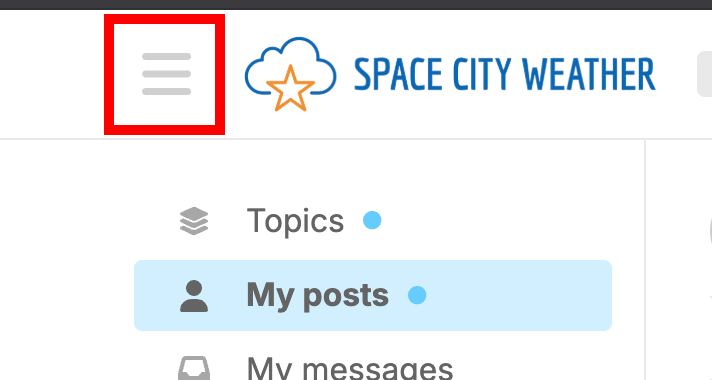
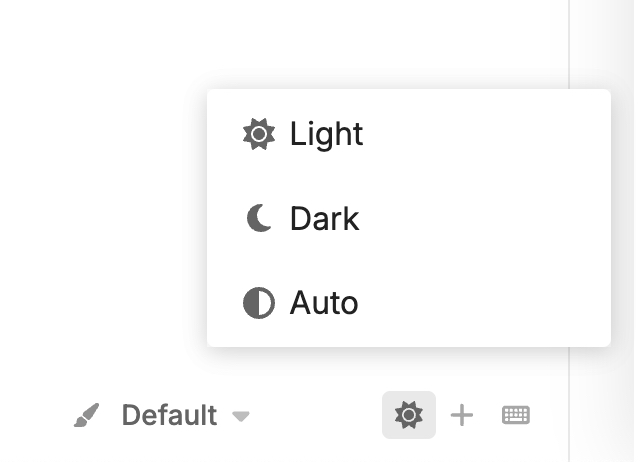
Discourse comes with a bunch of built-in themes and appearance options that you can set. If you don’t like the default light-mode version of the site, tap or click the three-line “hamburger menu” at upper-left, and then look for the light/dark toggle at the bottom of the menu:
But wait, there’s more!
There are other themes, if you prefer to change things up entirely. Navigate to your Interface Preferences (or just click right here to be taken there directly) and go nuts with the “Color Palette” options.
Please feel free to customize your Discourse experience as you like!